
Pricing Engine
Pricing Engine for cost build-up, margin control and quote output
Material cost in. MOQ checked. Margin rule applied. Quote out. PES keeps that price build-up explainable — so sales does not invent margin in chat.
MOQ materialsQty rulesMargin calcPDF quote
Why this software exists
Margin disappears when every salesperson builds price differently
When price is rebuilt in personal workbooks, margin becomes a negotiation habit. PES exists so cost, MOQ and margin rules stay inside the quote before it goes out. PES exists for materials with MOQ, product BOM links, pricing rules by quantity ranges, direct/overhead costs, cost/price/margin calculation and multi-language/currency PDF quotes — offline.Typical control gaps
- The same item is priced differently depending on who calculates.
- MOQ and quantity-break rules are applied inconsistently.
- Direct and overhead costs are omitted or guessed.
- Managers cannot explain margin on a sent quote.
- PDF quotes are rebuilt manually from old templates.
Typical users
Who owns the price logic before the quote leaves the company
Commercial and finance roles that need explainable price build-up — not generic sales teams.Commercial managersPricing specialistsSales leadsFinance controllersOwners
Commercial managers
Define pricing rules, MOQ and margin expectations applied across the team.Pricing specialists
Maintain materials, BOM links and quantity-range rules centrally.Sales leads
Generate explainable quotes with PDF output before negotiation.Finance controllers
Review whether direct/overhead costs and margin protect contribution.Owners
Want pricing consistency without slowing commercial response.Typical workflow
Materials → rules → margin check → PDF quote
From material and BOM inputs through rules to PDF quote — offline on the company desktop.Materials & MOQ↓Product BOM links↓Pricing rules (qty ranges)↓Direct / overhead costs↓Calculate cost/price/margin↓PDF quote↓Backup
Daily use
A commercial day where every quote can show how the price was built
PES walks teams through materials, BOM links, quantity rules and overhead allocation to cost, price and margin — then outputs a PDF quote in the chosen language and currency.Business results
What improves when MOQ and margin rules sit inside the quote path
Consistent quantity rules
MOQ and range-based pricing apply the same way every time.Explainable margin
Cost, price and margin visible before the quote leaves the office.BOM-linked products
Material structure connects to product pricing logic.Professional PDF quotes
Multi-language/currency output without manual template rebuild.Product screens
Screens from cost build-up, rules and quote output
Calculation and quote views first; catalog setup last.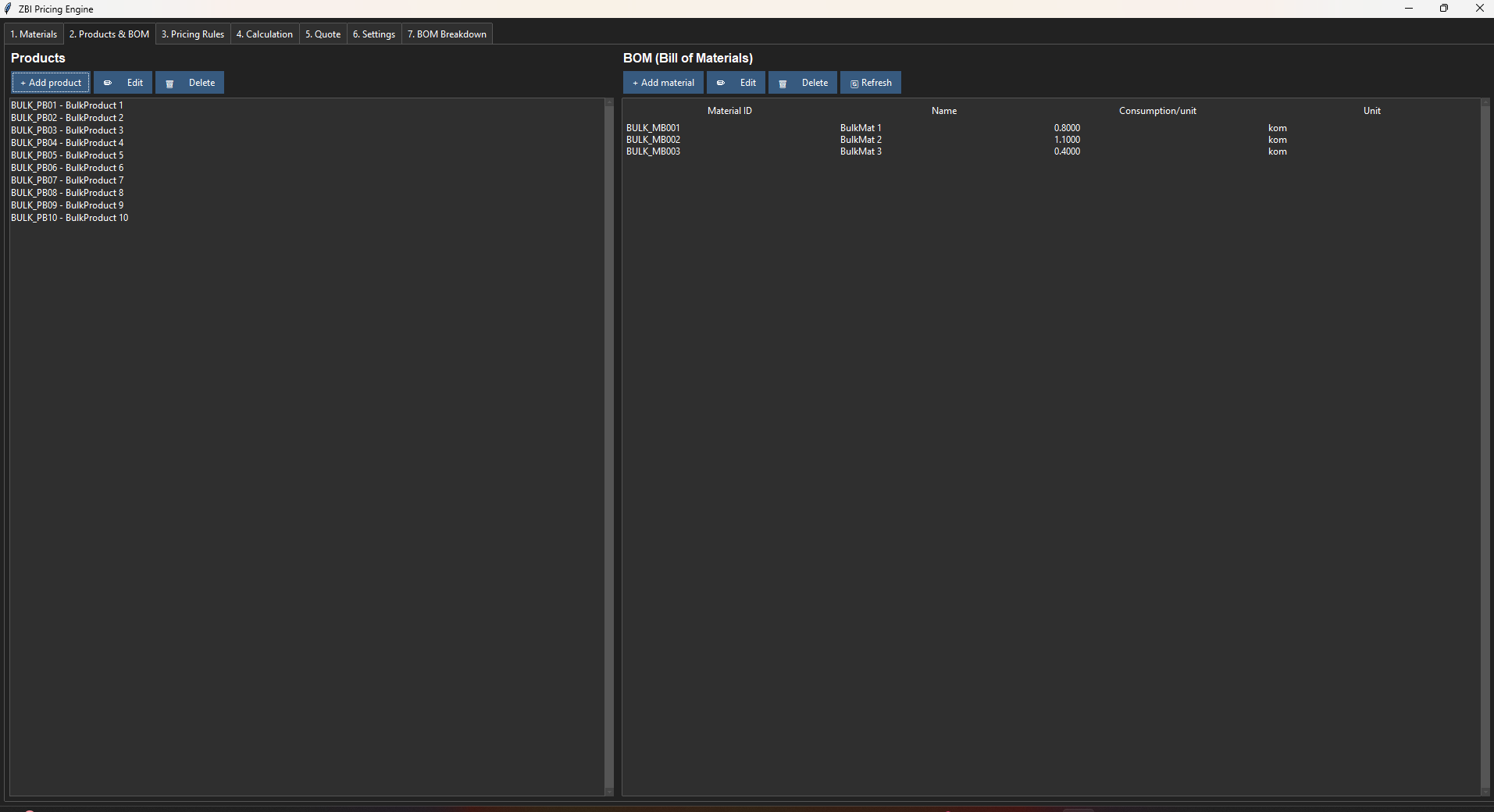


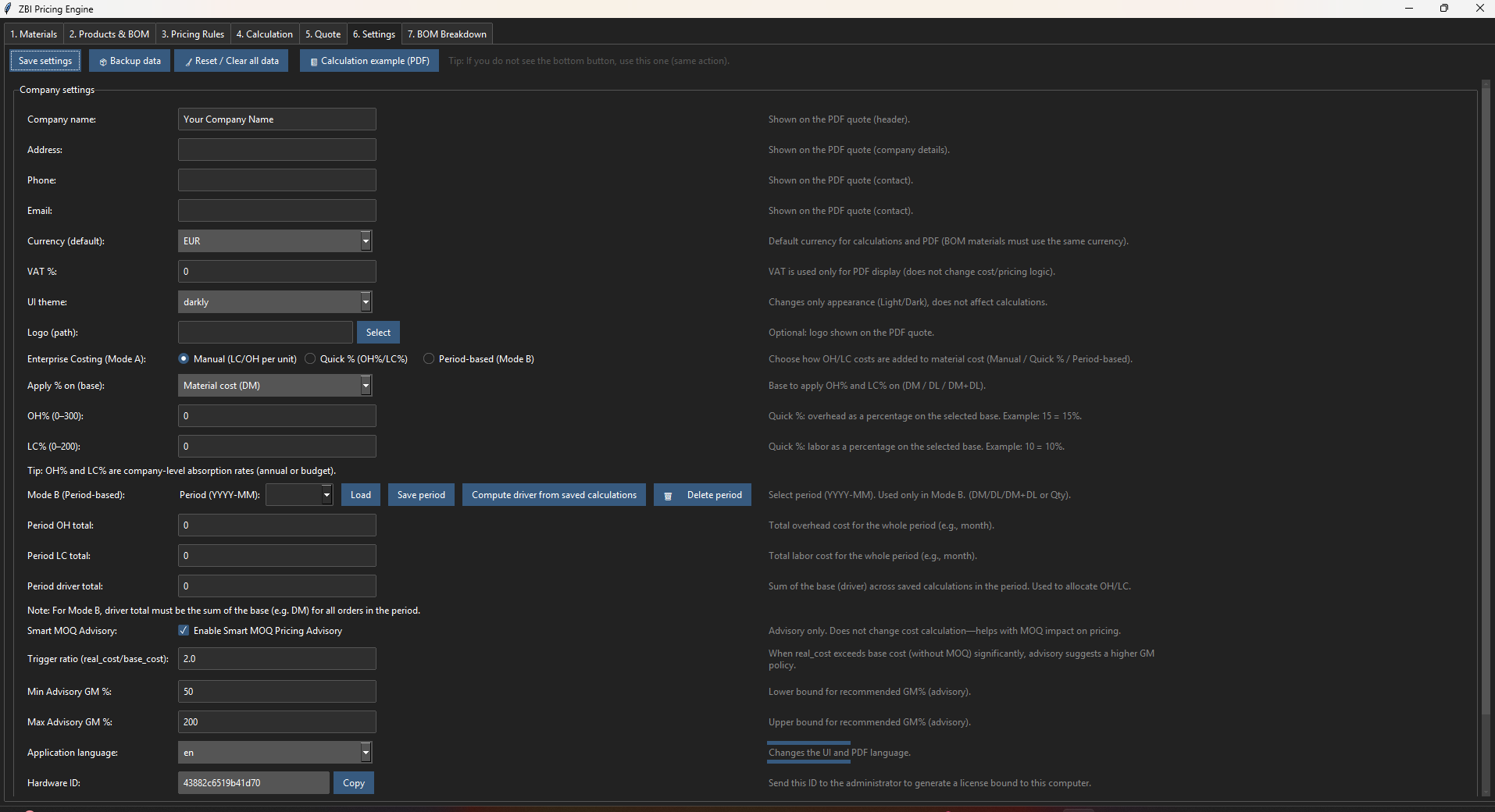
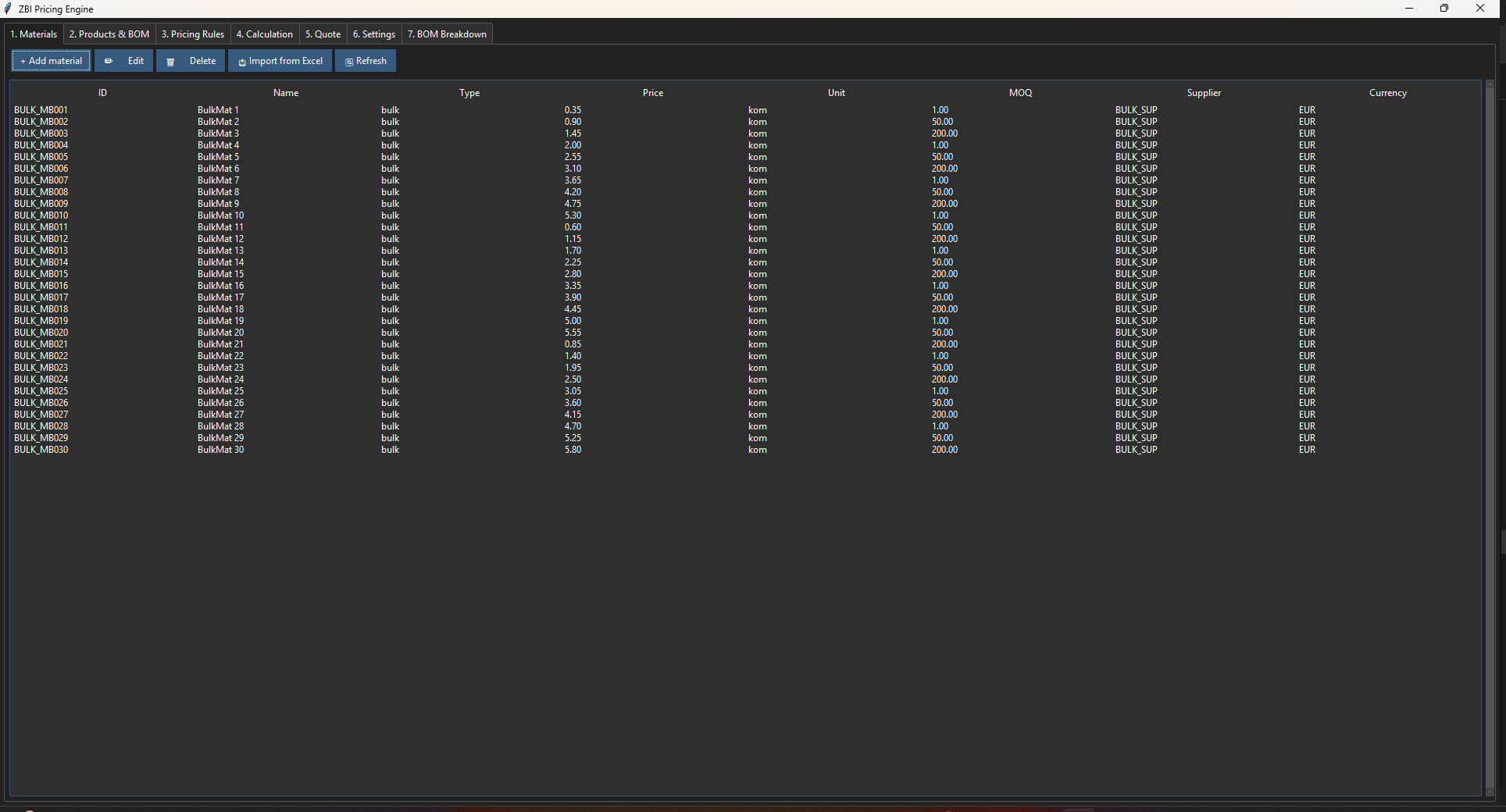

Materials & MOQ: minimum quantities in cost build-up
Practical capabilities
Pricing modules that keep quotes defensible
Real modules from the application — explained as daily business use, not as a feature dump.Materials & MOQ
Define materials with minimum order quantities used in cost build-up.Product BOM links
Connect products to material structure for consistent costing.Pricing rules by quantity ranges
Apply breaks and rules by qty range instead of manual cell edits.Direct & overhead costs
Include both in cost/price/margin calculation for realistic quotes.Calculate cost, price, margin
Single path from inputs to commercial numbers managers can review.PDF quote (multi-language/currency)
Offline export of professional quotes for customer send.Compared with Excel
- Excel can compute a price; PES enforces MOQ, BOM links and quantity rules in a reusable process.
- Margin logic becomes visible instead of buried in personal workbooks.
- PDF quotes are generated from the same calculation — not copied from old files.
Why not stay in spreadsheets?
Why PES is better than spreadsheet pricing for margin discipline
Spreadsheets can compute a price once, but consistent margin rules, MOQ logic and PDF quotes need one pricing engine — not a personal file that changes with every copy.Implementation
Start with materials, BOM and the pricing rules you already trust
- Enter materials with MOQ and link products through BOM.
- Configure quantity-range rules and overhead allocation.
- Run first calculations and verify margin with finance.
- Issue PDF quotes; revisit rules when costs shift.
Check PES against one product family you price often
Compare licenses or request a demo using your current margin rules.FAQ