
Hotel Management System
Hotel Management System for reservations, guests and front-desk control
Tonight’s arrivals. Tomorrow’s checkouts. One reservation moves from booking to stay to invoice — so the front desk does not rebuild occupancy from inboxes and whiteboards.
ReservationsRoom statusFinance & PDFBackup
Why this software exists
Broken reservation handoffs create the hotel day chaos guests feel
A hotel day breaks at the handoff: reservation in one place, room status in another, guest notes somewhere else. Guests feel that gap as delay, double booking risk and confused checkout. HMS exists to keep dashboard occupancy, guest profiles (including VIP and blacklist), room statuses, reservations, finance and cleaning tasks in one front-desk desktop application.Typical control gaps
- Reservation details are split across email, Excel and paper.
- Room availability is not trusted during the shift.
- Guest history is hard to reuse for returning visitors.
- Invoices and payments are prepared outside the stay record.
- Cleaning tasks are tracked verbally instead of in the system.
Typical users
Who owns the reservation timeline at the front desk
Front desk, property managers and owners who need stay control without enterprise PMS cost.Front-desk teamsProperty managersHotel ownersBoutique staysApartment operators
Hotel owners
Need occupancy, revenue and cost visibility without enterprise PMS overhead.Front-desk teams
Manage reservations, check-in/out and guest profiles including VIP and blacklist flags.Property managers
Coordinate room statuses, cleaning tasks and daily operational reports.Finance and administration
Issue PDF invoices, record payments and track property costs from the same guest stay.Boutique and apartment operators
Need structured stay control when calendar tools no longer scale.Typical workflow
Reservation → check-in → stay → checkout → invoice
From dashboard through stay service, finance and housekeeping — ending with backup.Dashboard overview↓Guest register (VIP/blacklist)↓Room statuses↓Reservations & check-in/out↓Finance: invoices & payments↓Cleaning tasks↓Settings & backup
Daily use
A front-desk day that follows the reservation, not scattered notes
HMS supports arrivals, in-house stays, checkout and invoice PDF from one record. Cleaning tasks and room status update with the stay — so the next shift does not rebuild the picture from notes.Business results
What improves when every stay starts from a confirmed reservation
Reservation clarity
Bookings and room assignment stay connected through check-in and checkout.Room and cleaning coordination
Statuses and housekeeping tasks visible without verbal chase.Guest continuity
VIP, blacklist and history support better service for returning guests.Finance tied to stays
Invoices and payments link to the reservation instead of a separate folder.Product screens
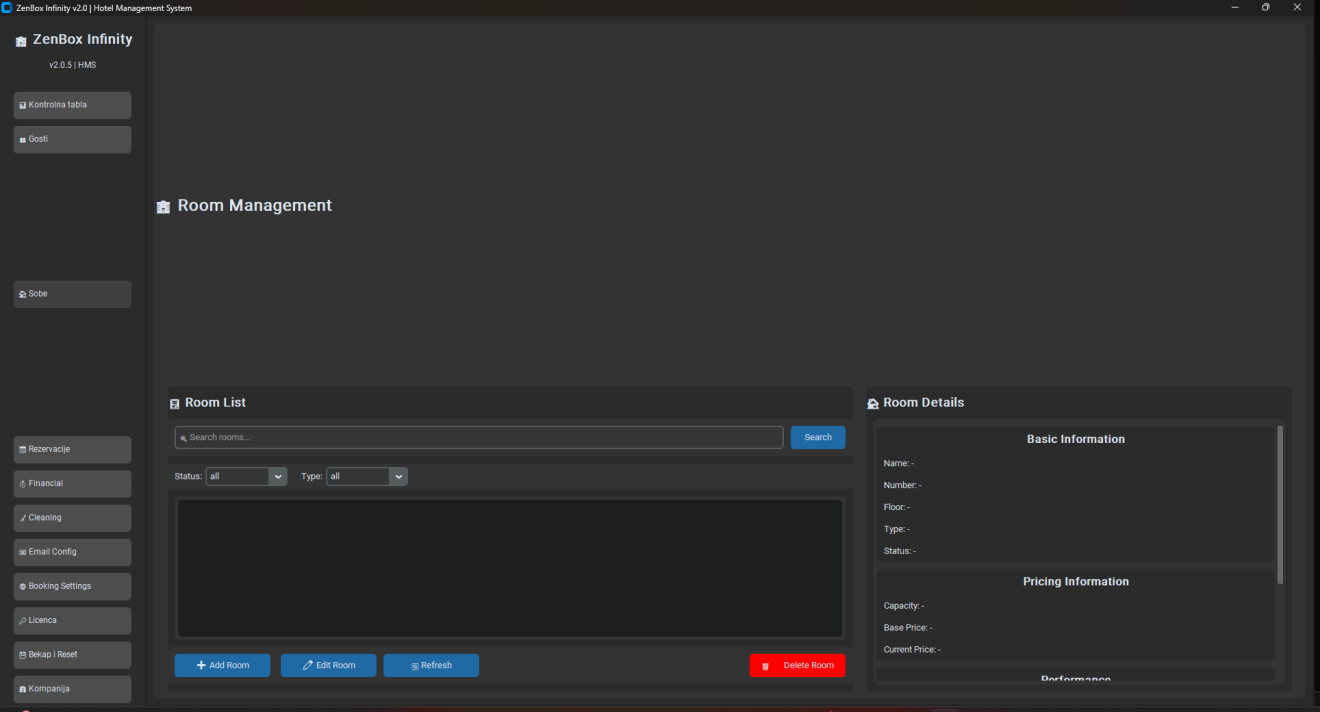
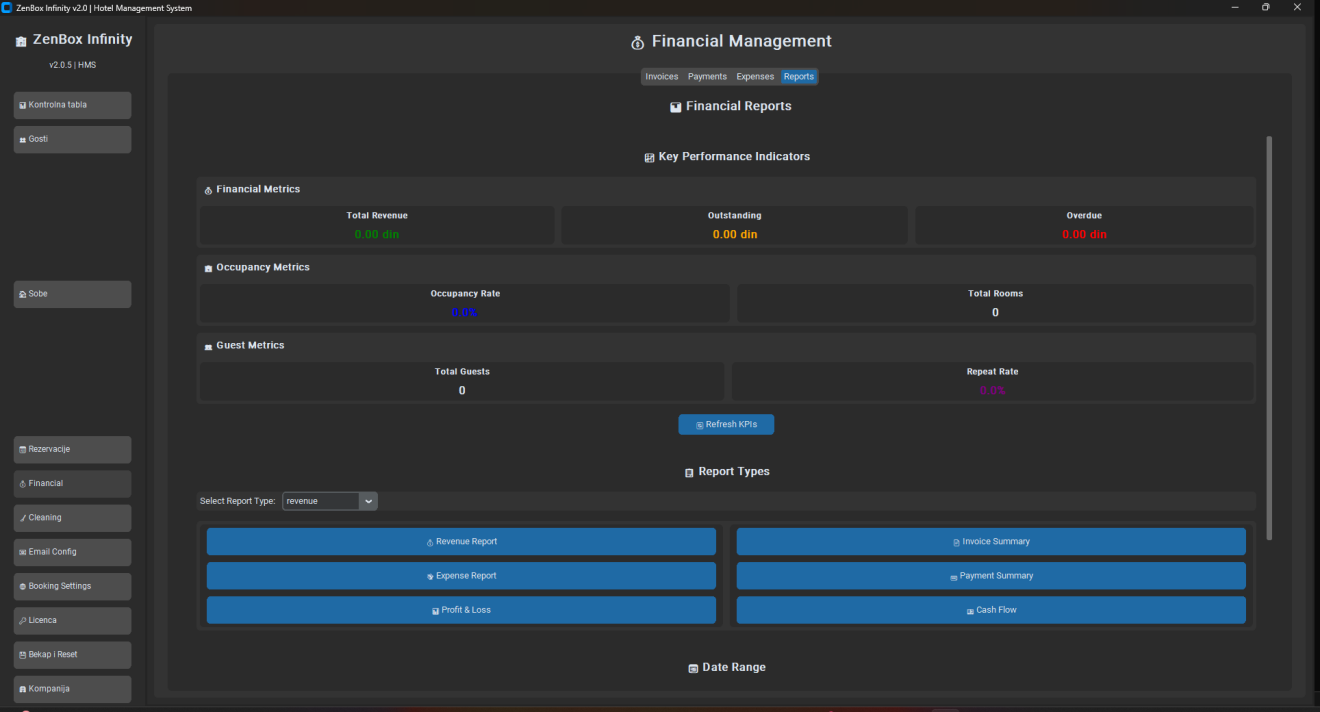
Screens from reservations, guests, rooms and checkout
Reservations, rooms and finance first; demo counters may show zeros until property data is loaded.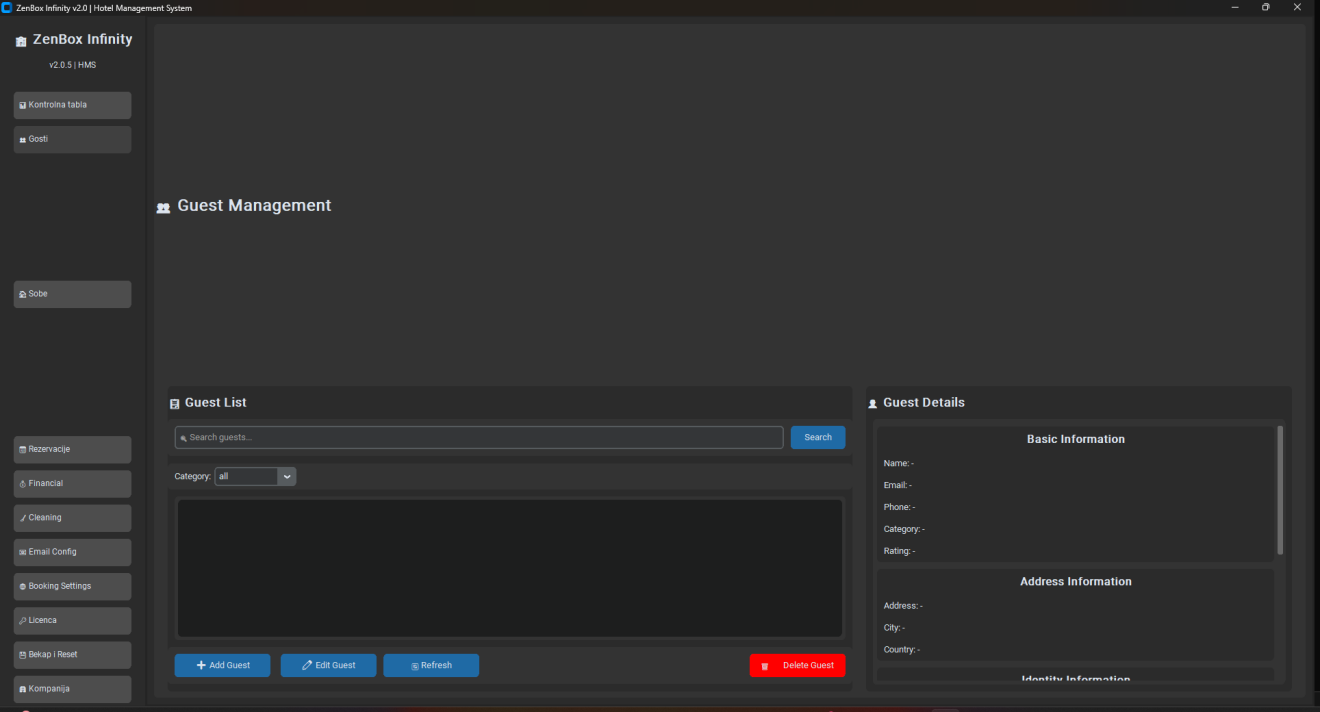

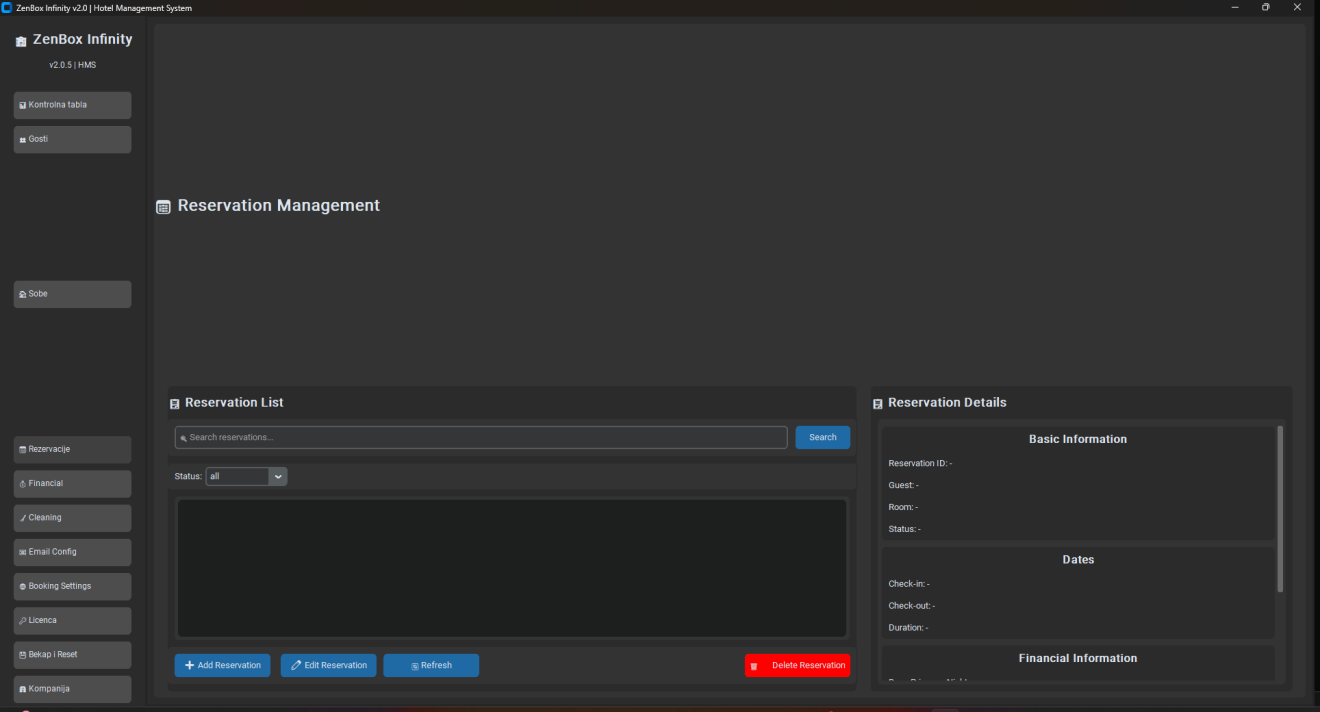
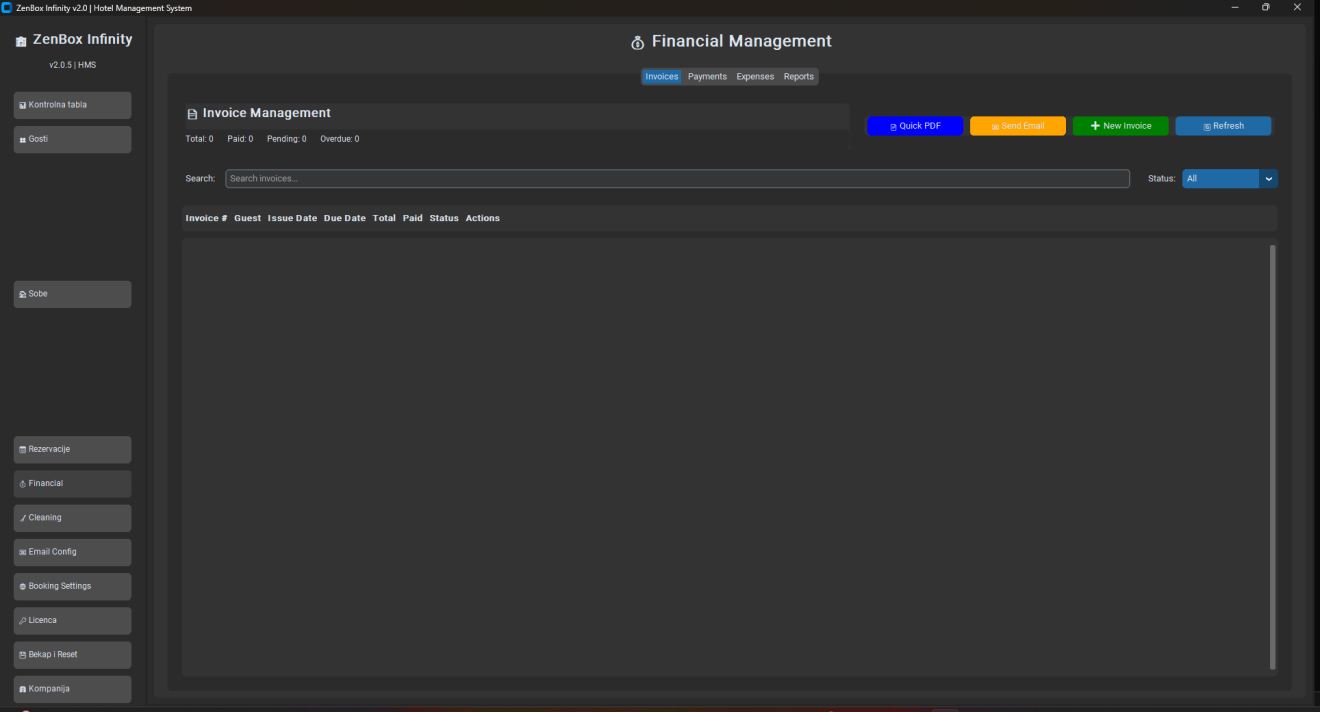
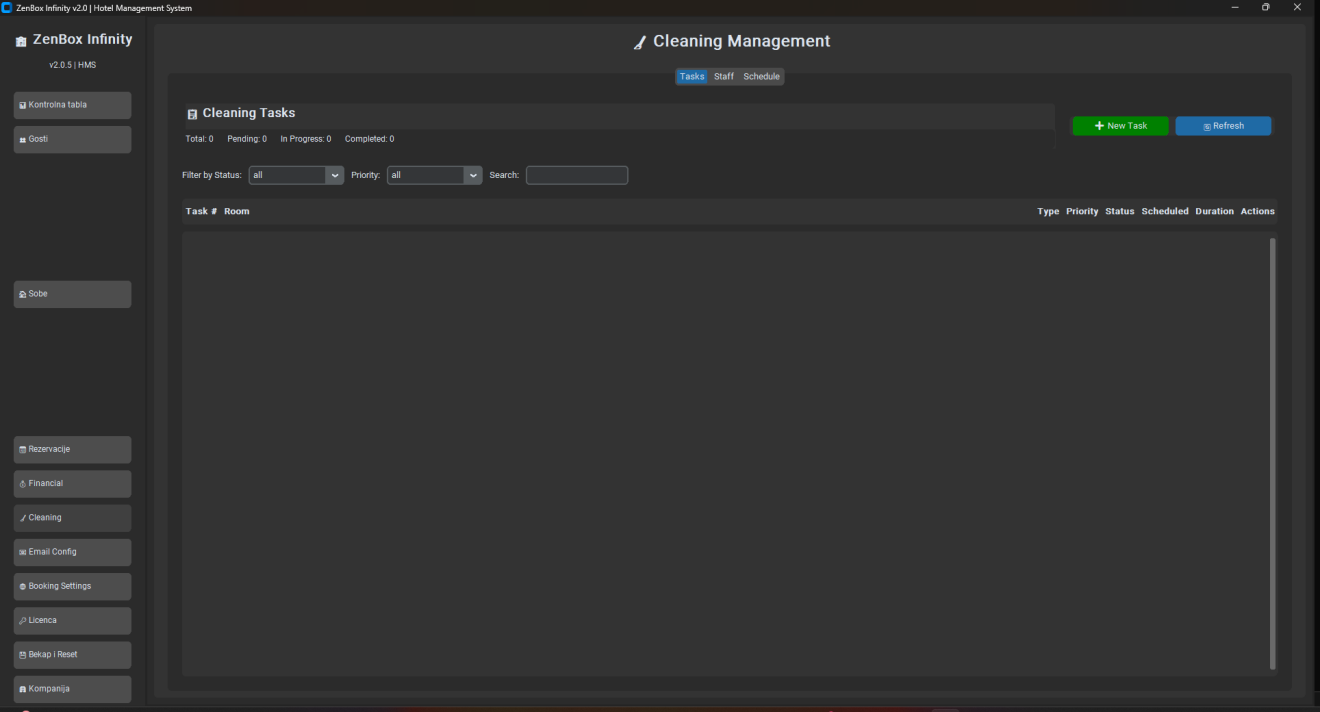
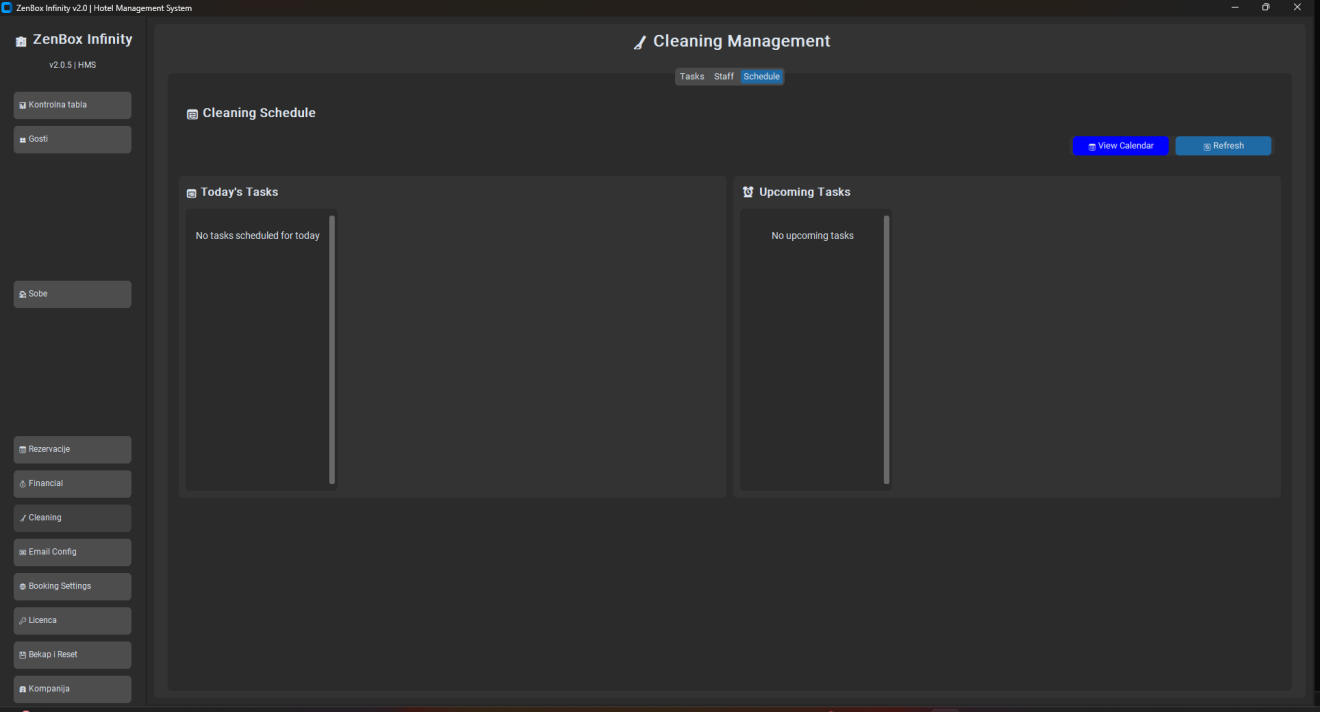
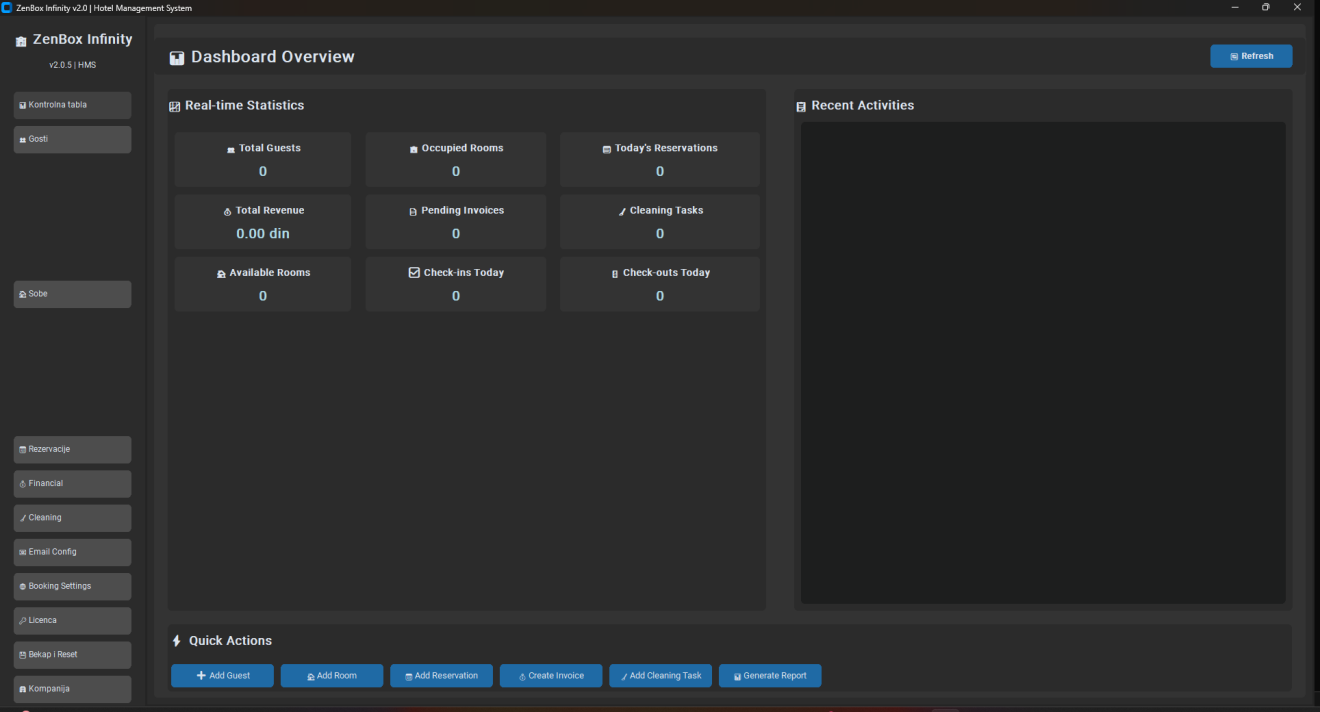


Reservations: create and change bookings with stay dates and room assignment
Practical capabilities
Front-desk modules built around the reservation path
Real modules from the application — explained as daily business use, not as a feature dump.Dashboard
Occupancy and activity overview for quick decisions at shift start.Guests (VIP / blacklist)
Central guest register with VIP, problem and blacklist flags plus stay history.Room statuses
Available, Occupied, Cleaning, Maintenance and Out of Service — tied to reservations.Reservations & check-in/out
Create and change bookings; complete check-in and checkout in one workflow.Finance: invoices, payments, costs
Issue PDF invoices, record payments and track property costs from the stay record.Cleaning tasks
Assign and track housekeeping work linked to room turnover.Email settings
SMTP configuration for sending invoices and reservation confirmations from the property.Backup & restore
Manual and automatic backup with restore — property data stays on the hotel computer.Company & language settings
Property identity, default currency, language and theme for daily front-desk use.Compared with Excel
- Excel cannot reliably manage overlapping stays and room status as an operating process.
- HMS keeps reservation, guest, room, finance and cleaning in one front-desk workflow.
- The team works from current status instead of reconstructing the day from messages.
Why not stay in spreadsheets?
Where spreadsheets fail for overlapping stays and room status
Excel can list bookings, but overlapping stays and live room status need one front-desk workflow — not a sheet that drifts after every check-in.Implementation
Start at the front desk: rooms, rates, then live reservations
- Define rooms, rate structure and property settings.
- Enter active reservations and guest records.
- Run check-in/check-out and invoice PDF through HMS daily.
- Use cleaning tasks for turnover; review dashboard at shift change.
- Backup property data on a fixed schedule.
Check whether HMS fits your reservation and room process
Compare Annual/Lifetime options or request a walkthrough with your real room list.FAQ