
Factory Management System
Factory Management System for production, inventory and financial control
A work order opens. Materials are checked against BOM. Stock moves on FIFO. Delivery notes and invoices follow the same factory trail — so production control does not collapse into separate Excel files by midday.
Work ordersFIFO inventoryBOMCustomers & documentsLocal backup
Why this software exists
Production control fails when materials, work orders and FIFO stock live in different places
On the floor, the question is concrete: can this job start, which materials does it consume, and what does FIFO say is actually available? When those answers sit in different files, production decisions are already late. FMS exists so a production company can run those records inside one Windows desktop application the company owns — without cloud dependency and without forcing a heavy ERP onto a growing plant.Typical control gaps
- Stock looks correct in one Excel file and wrong in another.
- Work orders live in chat, whiteboards or personal notebooks.
- Delivery notes and invoices are not tied to inventory movement.
- Material use is estimated instead of controlled through BOM.
- Cash and bank movements are reviewed late, after the week is already closed.
- Backup depends on someone remembering to copy a folder.
Typical users
Who touches work orders, materials and stock during the factory day
If these roles match your team, FMS is aimed at your operating reality — not at a generic “business users” audience.Plant ownersProduction managersWarehouse staffAdministrationFinance / accounting
Plant owners and directors
Need one operational picture of production, stock, documents and cash without rebuilding reports every Friday.Production / plant managers
Open and close work orders, check material readiness and see which jobs are planned, running or finished.Warehouse staff
Record receipts and issues, follow FIFO cost logic and answer what is available before promising delivery.Administration
Issue delivery notes and invoices from the same customer and product records used on the floor.Finance and accounting
Track income, expenses and bank accounts, and use the protected accounting module when formal books are required.Typical workflow
From materials and BOM to finished work orders
From master data to backup — the path production teams follow when the application is the daily record.Products & materials setup↓Inventory control (FIFO)↓Work orders / production↓Delivery notes & invoices↓Finance & bank accounts↓Reports (PDF / Excel)↓Backup & restore
Daily use
A factory day built around work orders and material truth
In daily use, FMS is where the team opens work, checks stock, issues delivery notes or invoices, updates finance and keeps the trail. The value is not a prettier spreadsheet. The value is that the same product, customer and stock record is reused from planning through delivery — and can still be backed up at the end of the day.Business results
What changes when FIFO and work orders share one record
One connected operational database
Products, materials, customers, documents, stock and finance share one local database.Fewer duplicate entries
Data entered once supports work orders, delivery notes, invoices and reports.Clearer stock and cost reality
Receipts, issues and FIFO logic reduce guesswork in availability and material cost.Faster review for responsible people
Operational and financial views are available without rebuilding scattered workbooks.Product screens
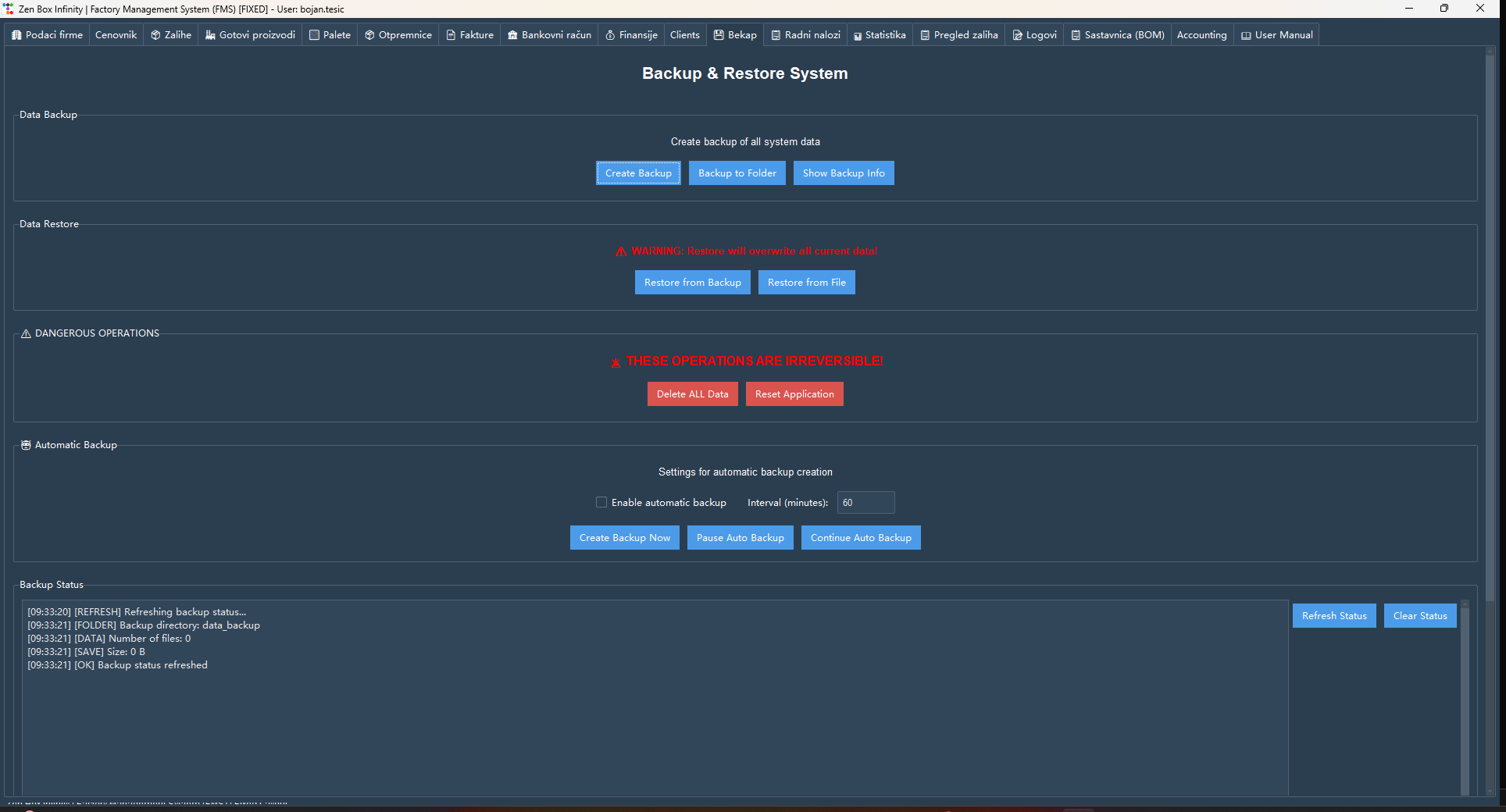
Screens from work orders, materials, FIFO and documents
One screen at a time. Start with work orders and stock; company setup is last. Several demo screens may show empty grids until your data is loaded — the module structure is what matters.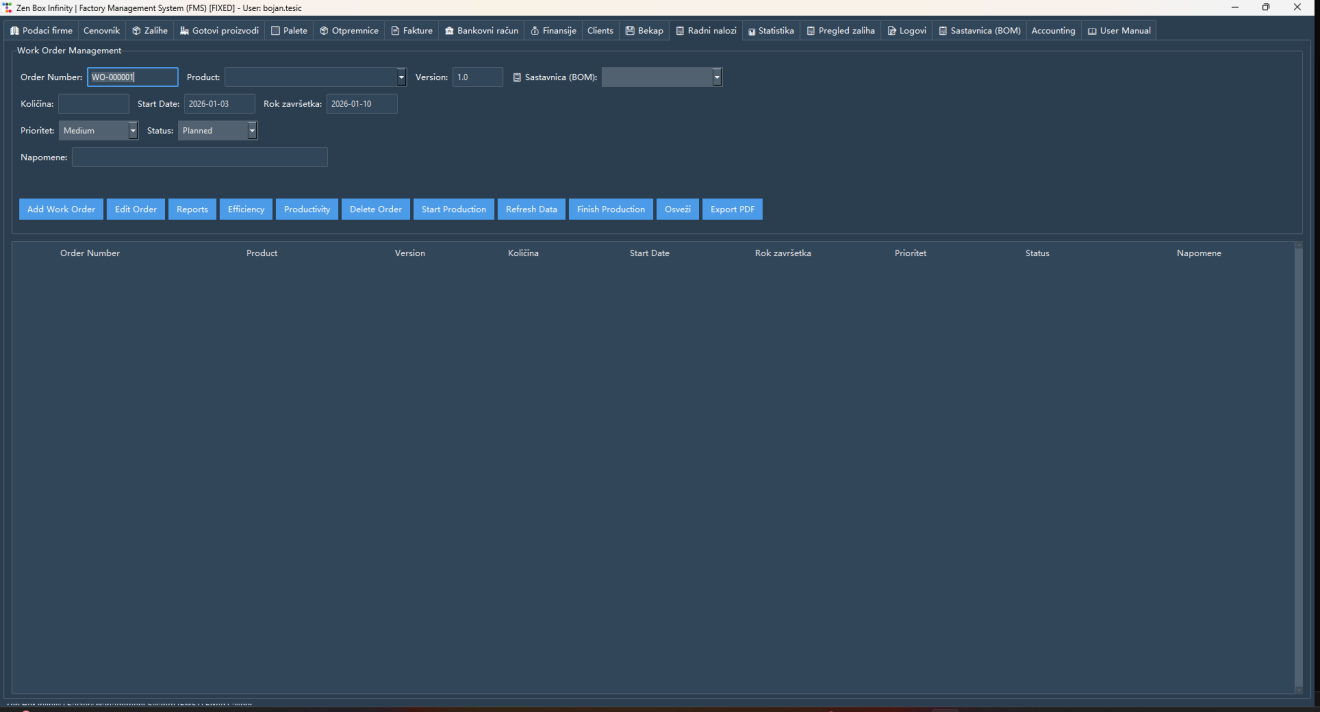
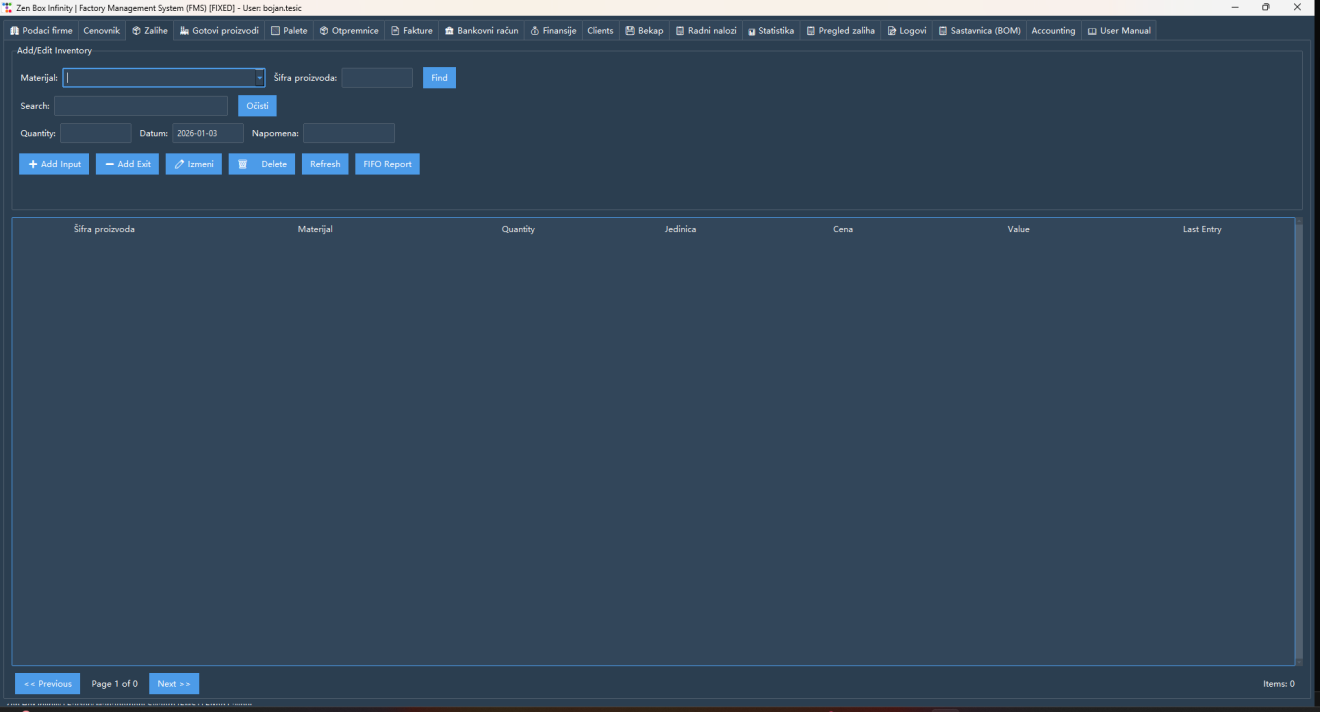
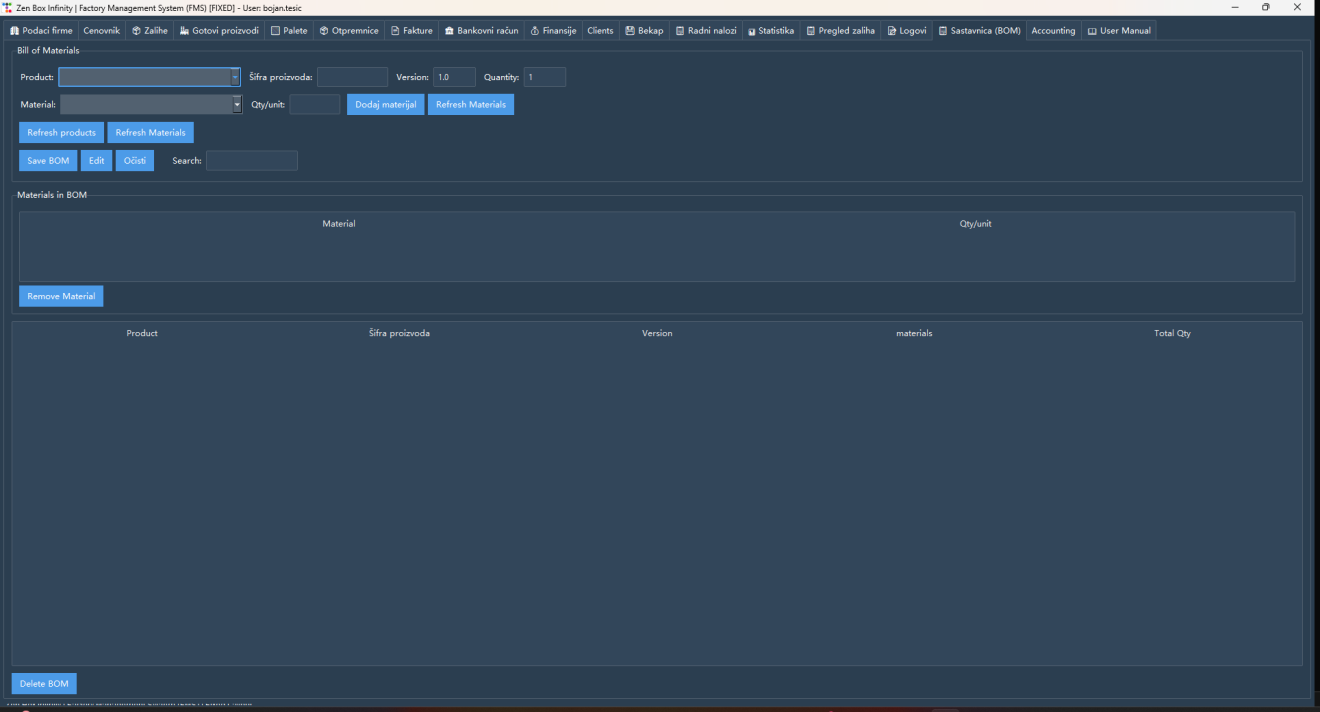
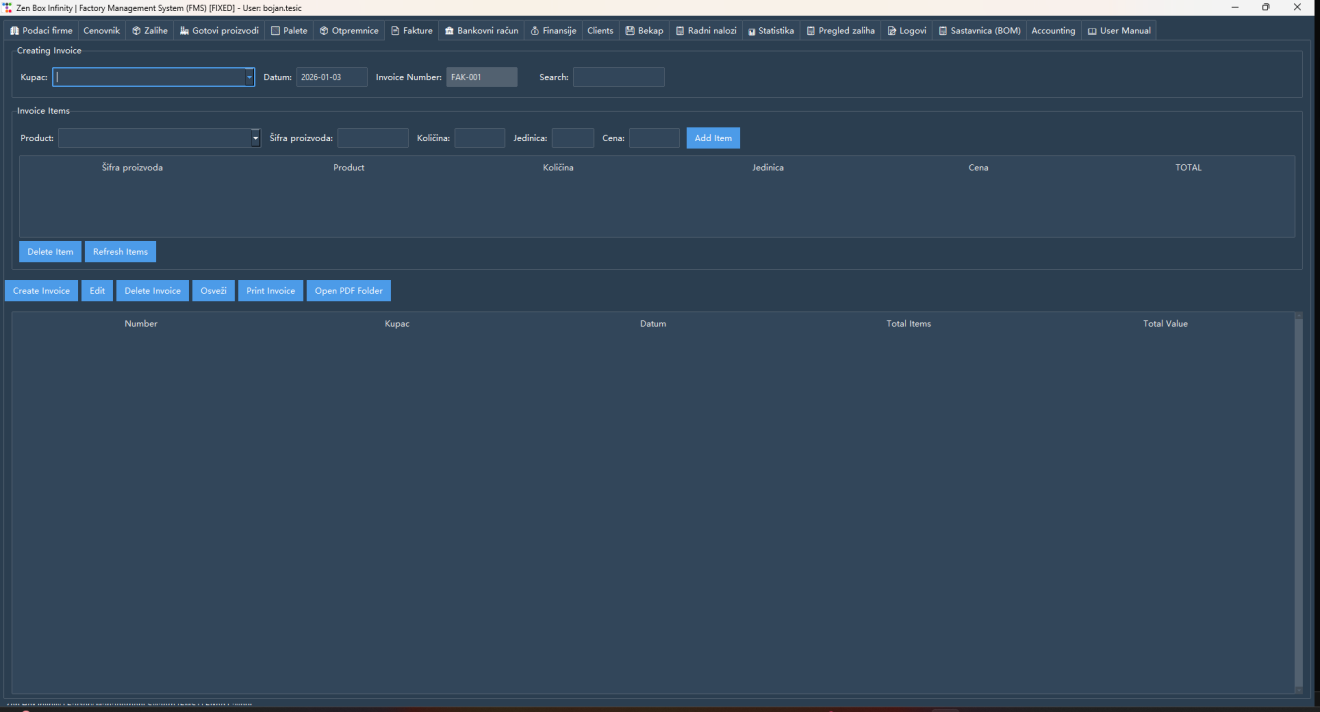
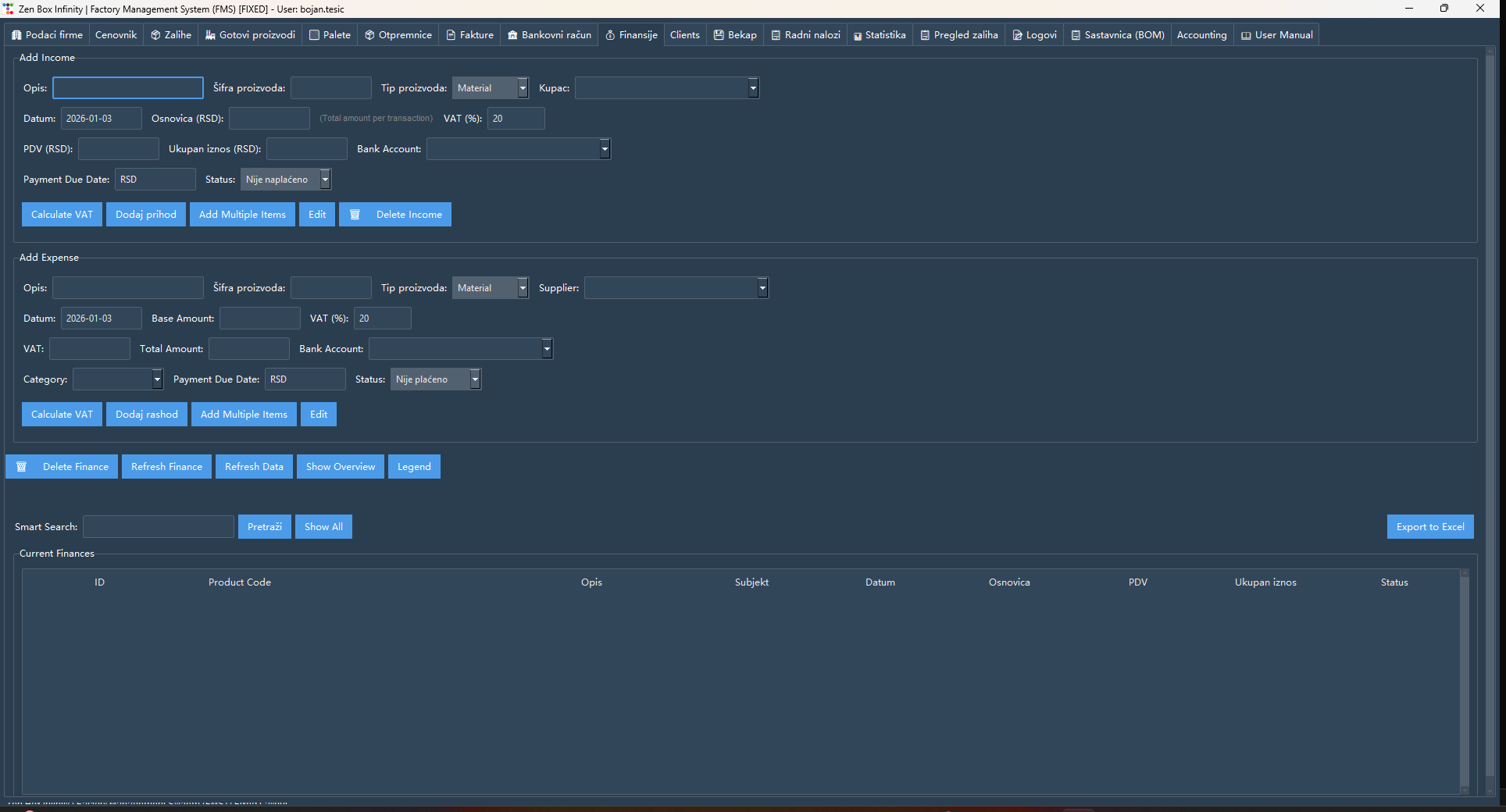

Work orders: open, start and finish production jobs with status and deadline
Practical capabilities
Production modules that keep materials and jobs connected
Real modules from the application — explained as daily business use, not as a feature dump.Work orders
Plan production, start and finish jobs, and keep status visible from opening to completion.BOM and material use
Define which materials enter each product and in which quantities, then use that structure in production control.FIFO inventory
Track stock by item code, record inflow/outflow and see cost through FIFO logic.Customers
Keep a central customer register reused in invoices, delivery notes and related documents.Delivery notes & invoices
Create commercial documents linked to stock and customers, with print and PDF/Excel export.Finance & bank accounts
Record income and expenses, select bank accounts and keep a basic cash overview tied to operations.Protected accounting module
Chart of accounts, journal entries and balance views for responsible users — access remains controlled.Reports & export
Operational and financial summaries can be exported to Excel or PDF for further review.Backup & restore
Manual one-click backup, restore options and automatic backups — data stays on the company computer.Language and currency settings
Company currency and application language are set once and reused on documents and calculations.Compared with Excel
- Excel remains useful for ad-hoc analysis and one-off calculations.
- Excel becomes fragile when it must enforce one connected process across production, stock, documents and cash.
- FMS keeps BOM, work orders, inventory movements, commercial documents and basic finance in one desktop workflow the company owns.
Why not stay in spreadsheets?
Where Excel stays useful — and where it stops being enough
Spreadsheets help with ad-hoc analysis, but factory work orders, FIFO stock and linked documents need one operating record — not a workbook that diverges by shift.Implementation
Practical start: install, master data, then daily process
- Install the Windows desktop application and keep the company database under local control.
- Enter company data, currency and language, then products, materials, customers and opening stock.
- Activate work orders and documents once master data is stable enough for daily use.
- Connect finance/bank entries to the same operational records.
- Treat backup/restore as normal operating discipline, not an afterthought.
Check whether FMS matches your shop-floor, stock and document process
Compare Annual and Lifetime options, request a walkthrough, or download the demo version.FAQ